Auto start sync after reconnect
In case you have to reconnect the Enable Banking sync due to errors it’s slightly confusing that after reconnecting the error persists (indication at the upper right) until running “Retry sync” manually.
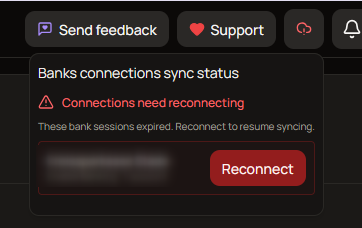
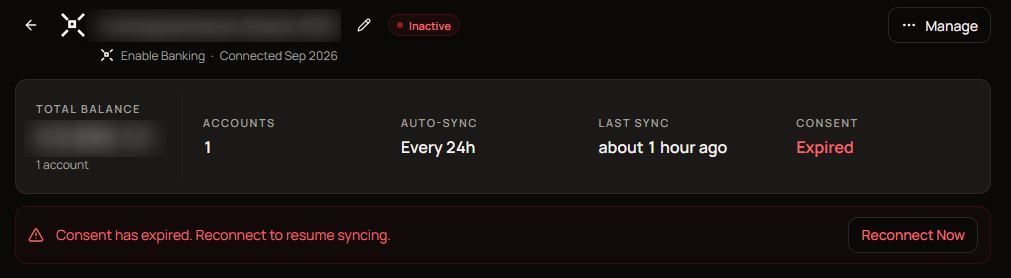
Reconnect flow processed.
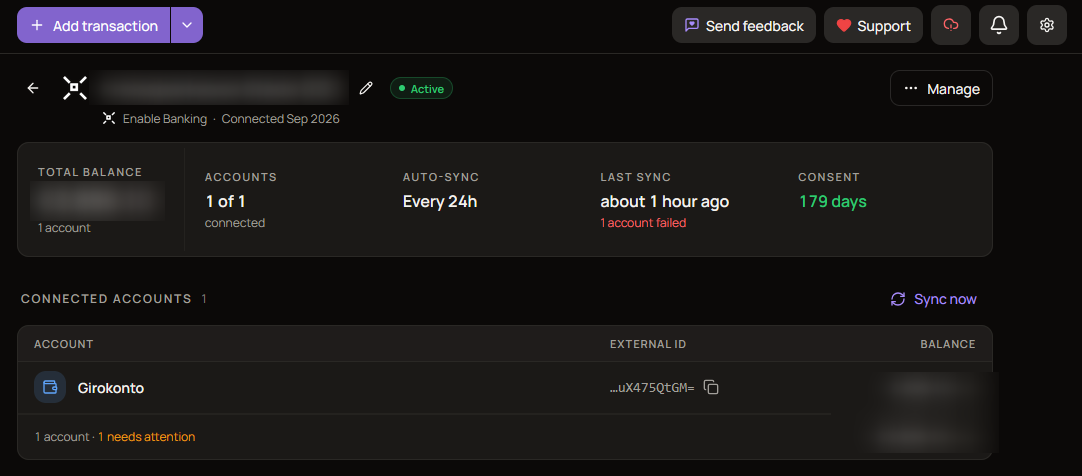
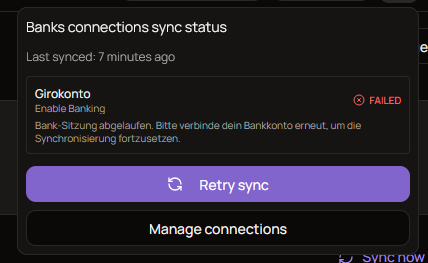
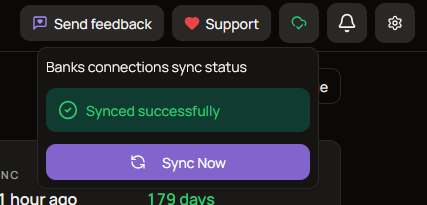
I think it would be more user friendly to start a sync after reconnect automatically.
Log in to comment and vote
Comments6
Oct 9
PinnedWill be fixed in the next release. The comment is still an open, will be handled separately
Daniel
Oct 8
By the way but I didn’t want to raise a bug report: I exported and imported my data from production to a test system and wanted to reconnect the account with a separate Enable Banking App ID / private key. But if I do this, it doesn’t work (“Error: Enable Banking API-Fehler: No account found matching provided id”) and it breaks my connection in production environment, although I can fix it with a above described reconnection process. However, I would expect using the same bank account should work as long you use different App IDs / private key. Am I wrong?
dmytro_sv
Oct 9
Your expectation makes sense, but this is decided by the bank, not the app. Both App IDs reach your bank through Enable Banking as the same provider, and many banks allow only one active consent per provider and user, so authorizing from the test system replaces the production consent (at least that’s my guess, I found no documentation about it). The backup never contains your bank credentials, so the test system can't affect production directly. Could you tell me which bank it is, and whether the "No account found" error appeared on the test system or in production?
For now I’ll try to handle it in the way that system will suggest you to reconnect the session, but firstly I need your answer.
Daniel
Oct 9
Didn’t think about that Enable Banking may be treated as one single provider, even with separate application ids. The “No account found” error is in the test system. In production it says "error: Failed to revoke existing Enable Banking session during reauthorization" / "Error: Enable Banking authentication failed: Session is expired" and this can easily be fixed by running the reconnect flow. Bank name is “KSK Stade” or “Kreissparkasse Stade” (DE). I can also raise an issue on github if you prefer and provide a full log. The process is fully reproducable and production sync is recoverably without impact.
dmytro_sv
Oct 9
Thanks, that was enough to find it. The error on the test system is a bug on the app side. Will be fixed in the next release, no GitHub issue or log needed. The production "Session is expired" is the bank replacing the consent when the test system authorizes, so reconnecting there is the expected recovery.
Daniel
Oct 10
I tested it with the new version and reconnecting works in test system. I can also confirm that a bank account can be connected with only one Enable Banking connection at a time no matter you use separate app ids and private keys. Running an authorization flow from another MoneyMatter instance (but same user from data restore), different MoneyMatter user or even other apps (for troubleshooting I created a powershell script to retrieve transactions) replaces the existing consent for the bank account in online banking → last wins.